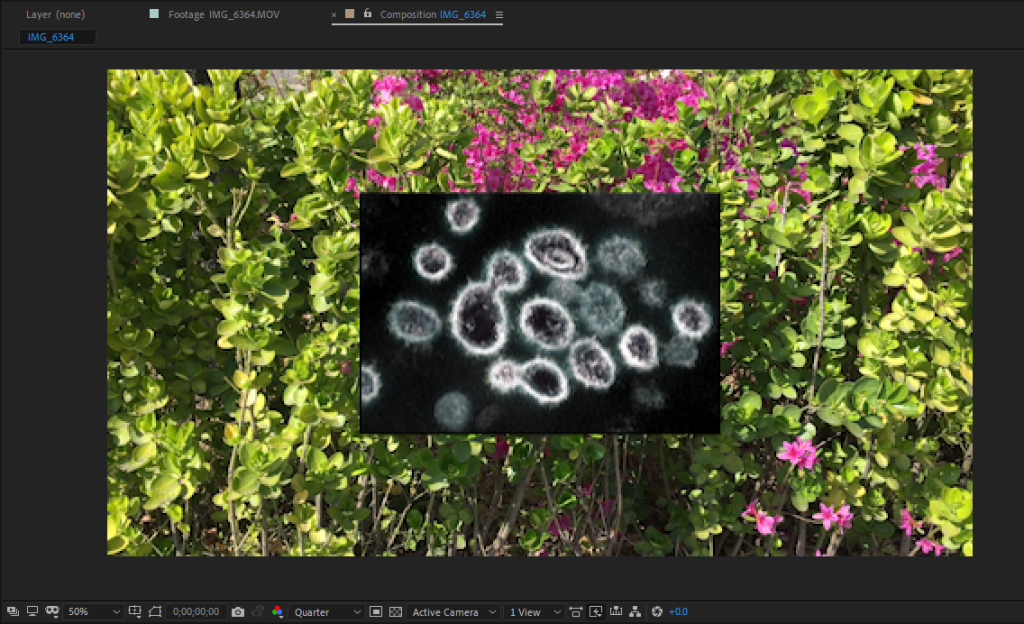
1)In the example below, you can see that the anchor points and bounding box of the selected image are missing.
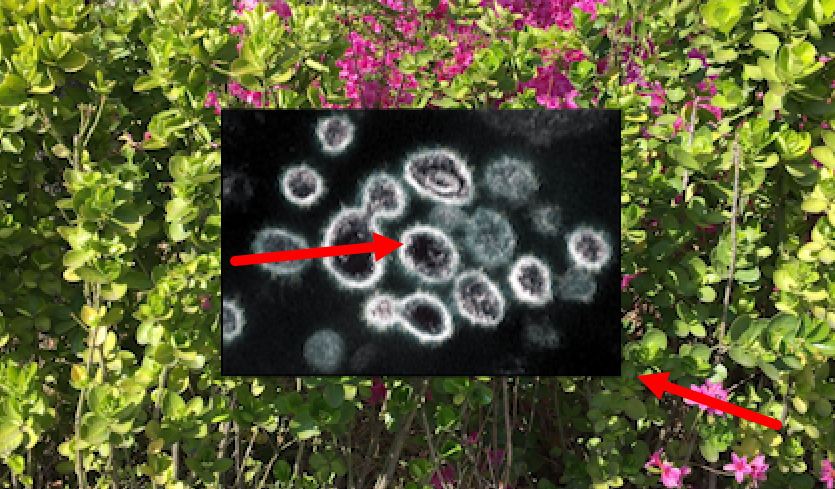
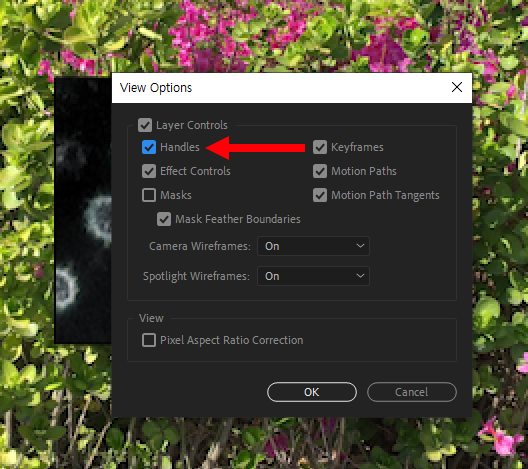
2) In the composition panel, click the location shown below (to the right of the composition name) and go to view options.

3) Check handles in view options.
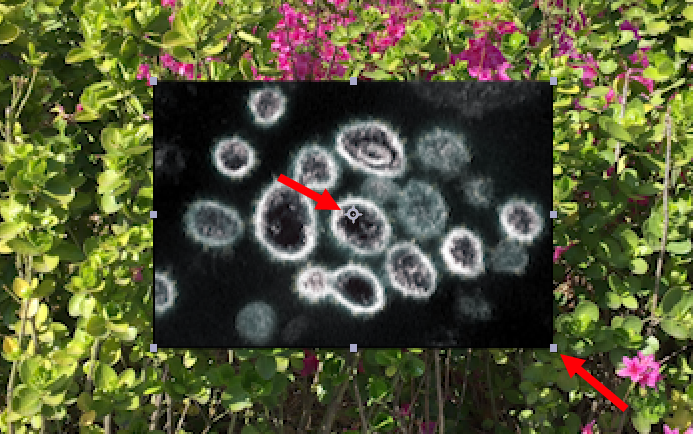
4) You can see that the anchor points and handles are displayed normally.
![[After Effects] How to change user language to English](https://inspired-learn-create.com/wp-content/uploads/2025/06/2019-08-29_11-01-19.png)
![[After Effects] How to save a frame as an image file](https://inspired-learn-create.com/wp-content/uploads/2025/06/2020-10-30_21-37-54.png)
![[After Effects] Changing the Color of a Solid Layer](https://inspired-learn-create.com/wp-content/uploads/2025/06/2020-02-03_10-17-32.jpg)