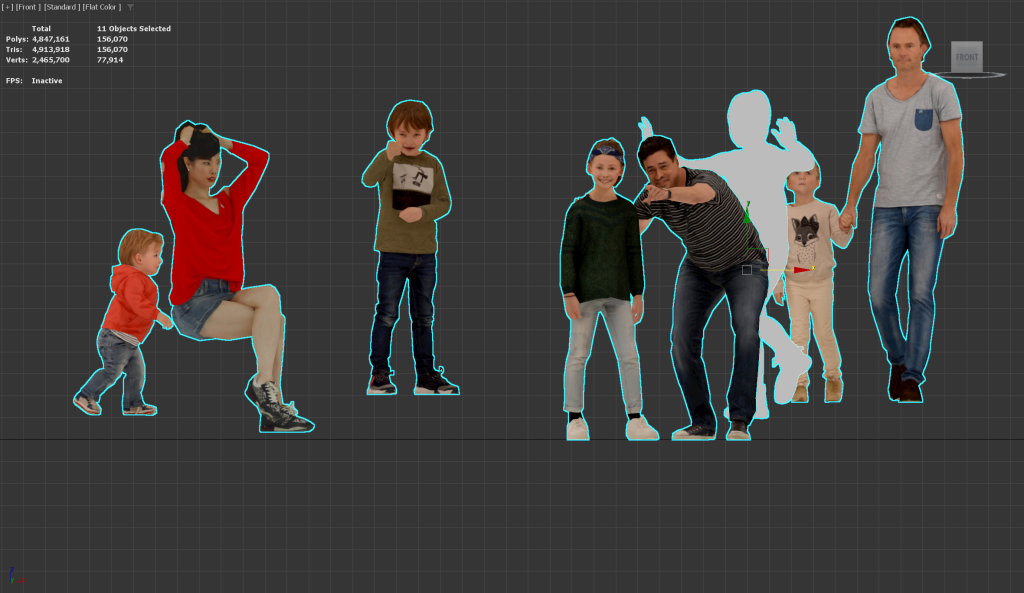
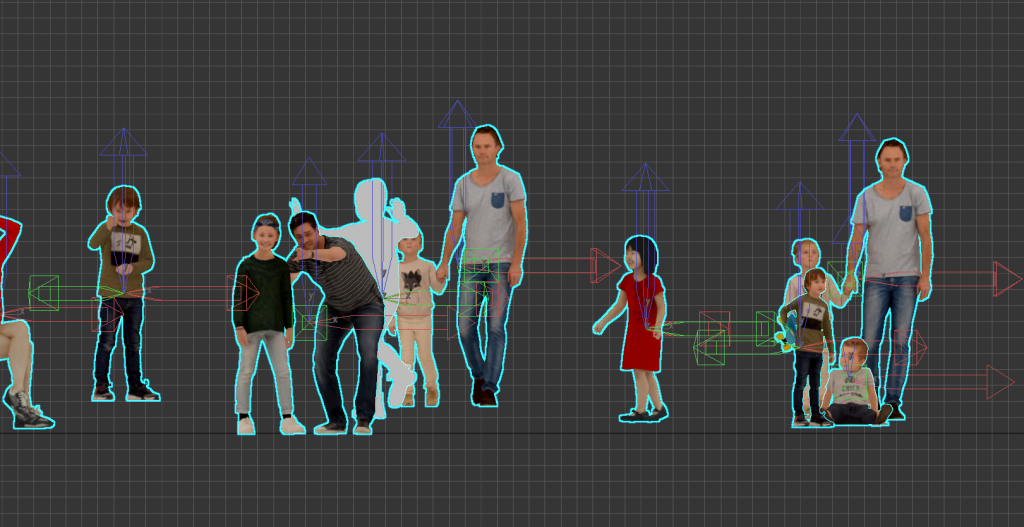
1)All objects in the current scene have different pivot positions or are set to the center of the objects.
To set the bottom of all objects to the same height, you need to align the pivot positions to the bottom of the objects.

2) Select all objects for which you want to set the pivot positions.
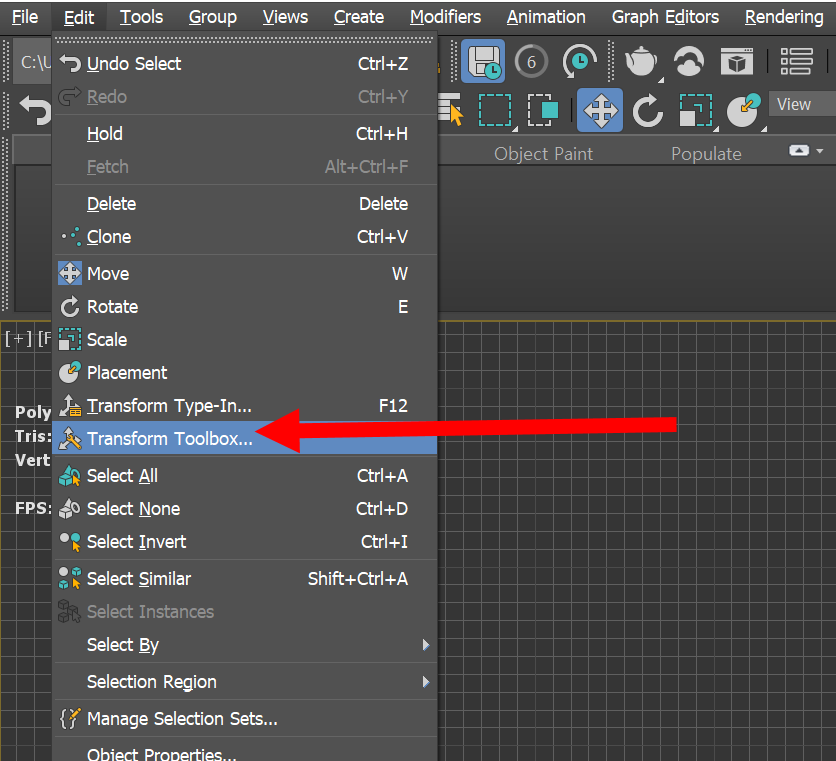
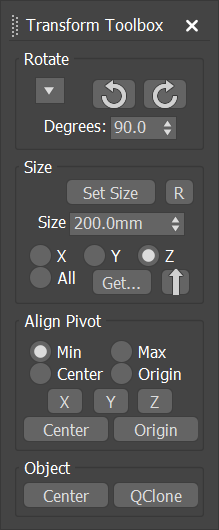
3) Go to the transform toolbox from the edit menu at the top.
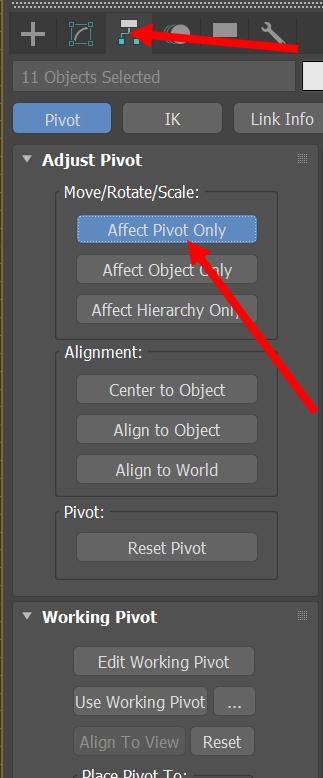
4) Activate affect pivot only for the selected objects.
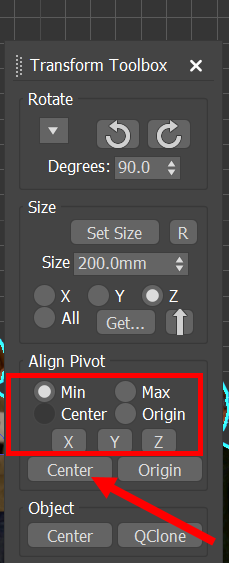
5) Click center in the align pivot of the transform toolbox and select the alignment axis (min, z).
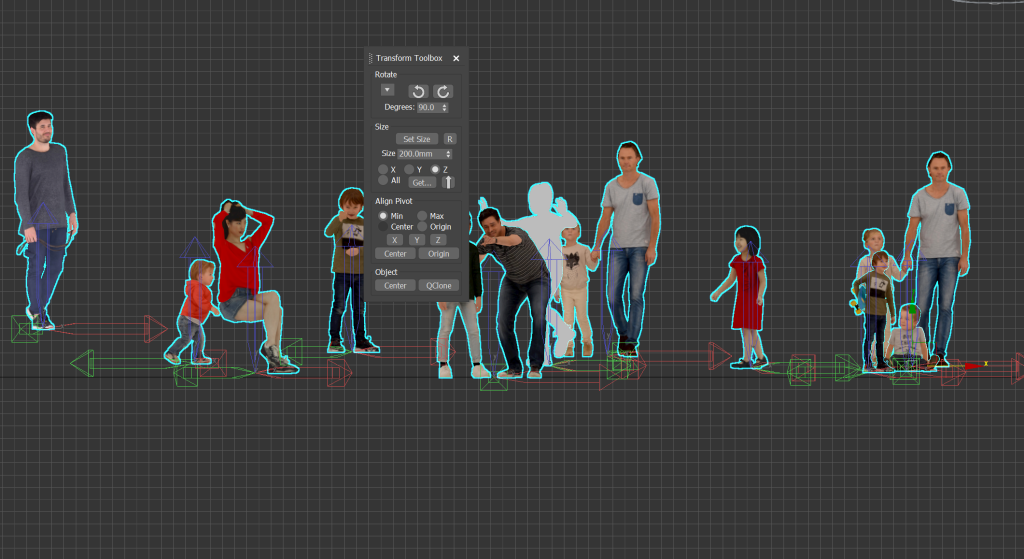
6) You can see that the pivots of all objects are aligned.
7) Deactivate affect pivot only. You can see that each object pivot is aligned to the bottom.
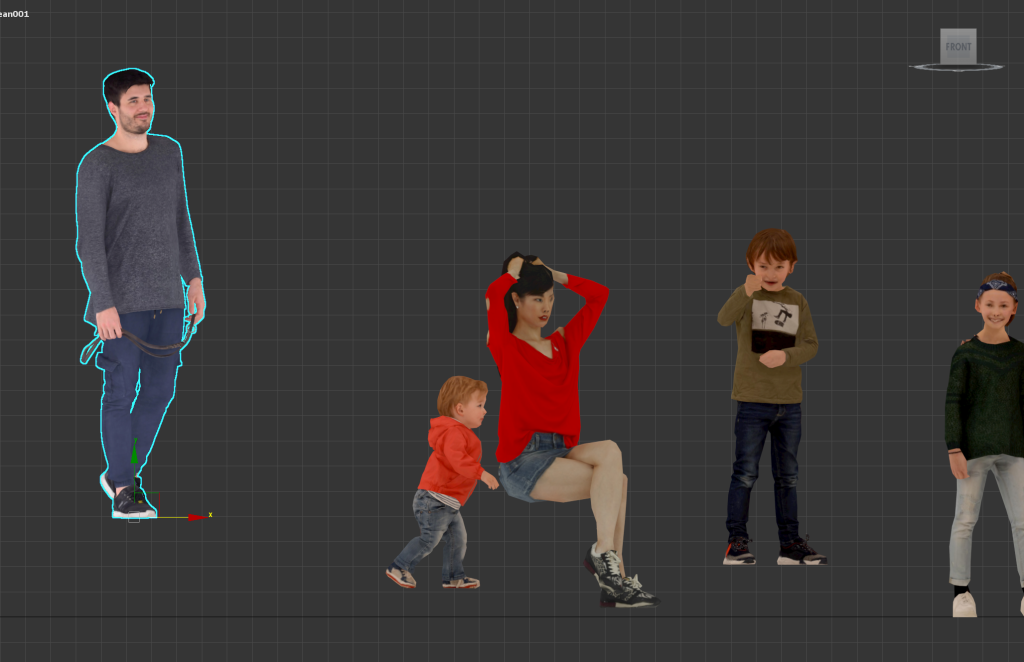
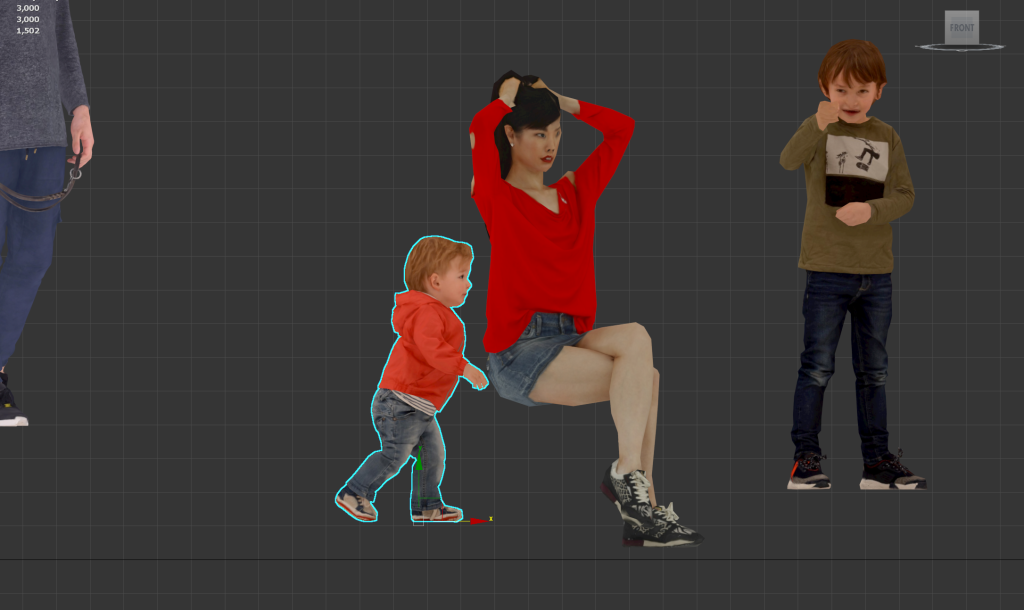

8) Sets the height of all objects to 0.
![[3D Max]Solving the problem of uneven Shell thickness(Straighten Corners)](https://inspired-learn-create.com/wp-content/uploads/2025/06/2025-02-26_12-24-03-1024x697.png)
![[3D Max] Shortcut tips for use in the viewport quad menu](https://inspired-learn-create.com/wp-content/uploads/2025/06/2025-01-25_15-49-33.png)
![[3D Max] How to set Mouse Wheel Zoom Sensitivity](https://inspired-learn-create.com/wp-content/uploads/2025/06/2025-01-25_15-38-06.png)