
Playing bitmap texture animation in 3D Max (Image Sequence, ifl)
This tutorial will guide you through the simple steps for playing bitmap animation (a movie) using an image sequence and […]
This tutorial will guide you through the simple steps for playing bitmap animation (a movie) using an image sequence and […]
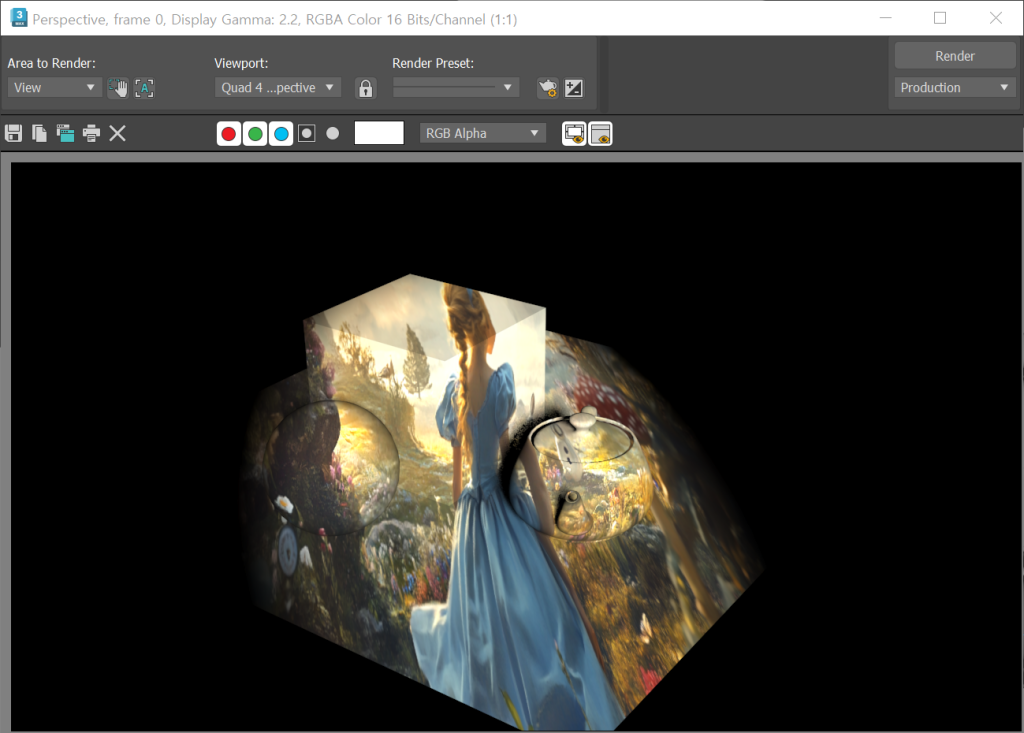
1)Place objects in the scene. 2) Select Target Direct light from Standard in Light. 3) Create a light object. 4)
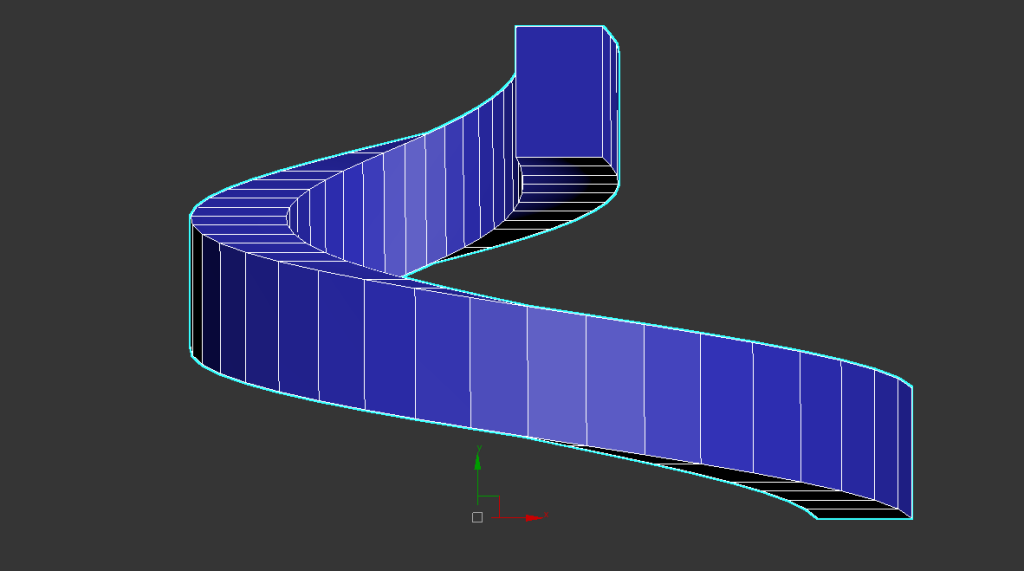
1) Select the helix of splines in the shape of create. 2) Create a helix spline in the viewport. Method

In 3D Max, the Use Real-World Scale property of a bitmap is used to map a bitmap texture to the
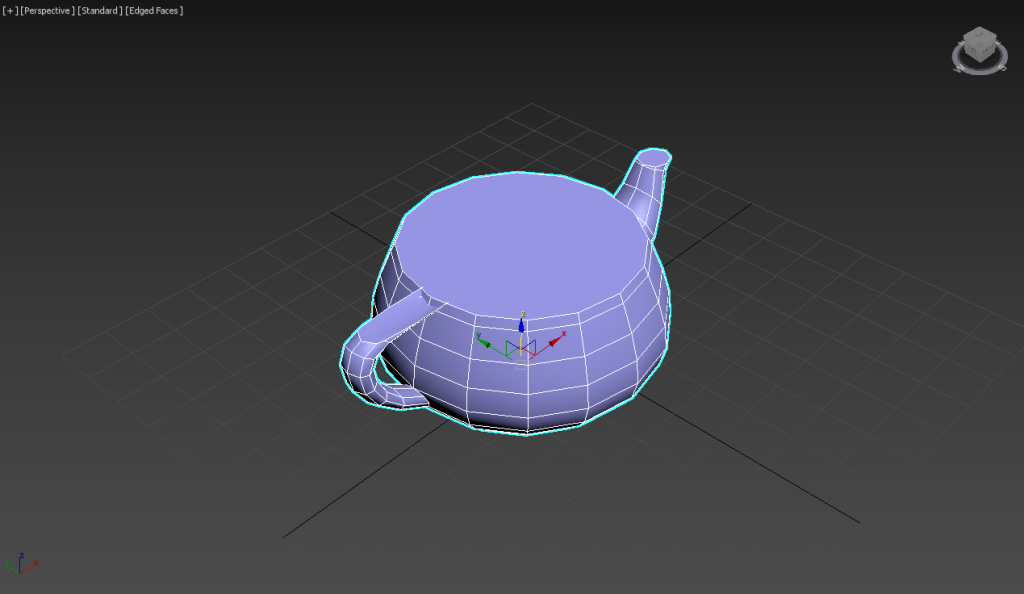
1) Create a polygon object in the scene. 2) Add a slice modifier to the object. 3) Select the slice
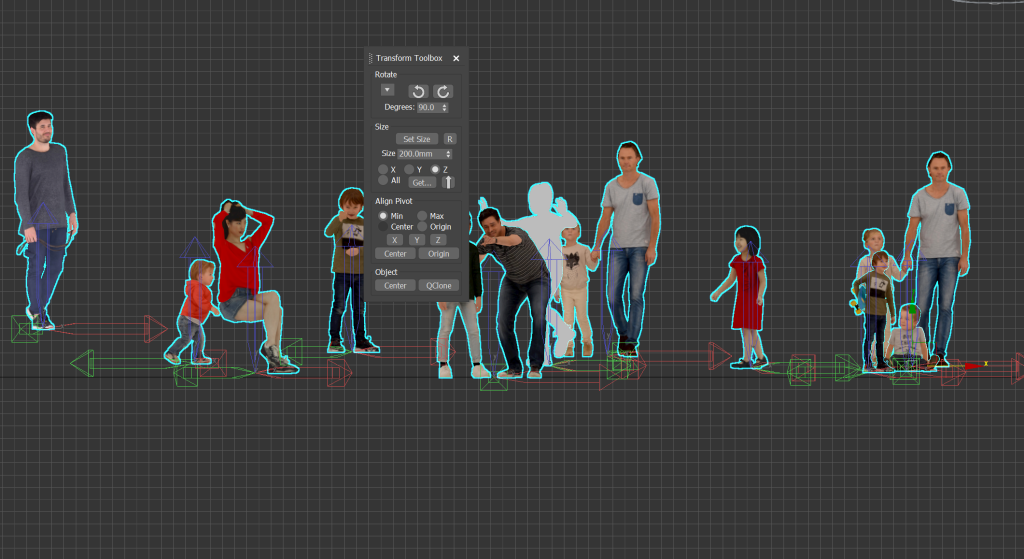
1)All objects in the current scene have different pivot positions or are set to the center of the objects. To

How to Change Asset File Path to a Relative Path to the Project Folder (The .max file must exist under

Solving the problem of uneven Shell thickness(Straighten Corners) 1) Create a line. 2) Add an extrude modifier. 3) Add a
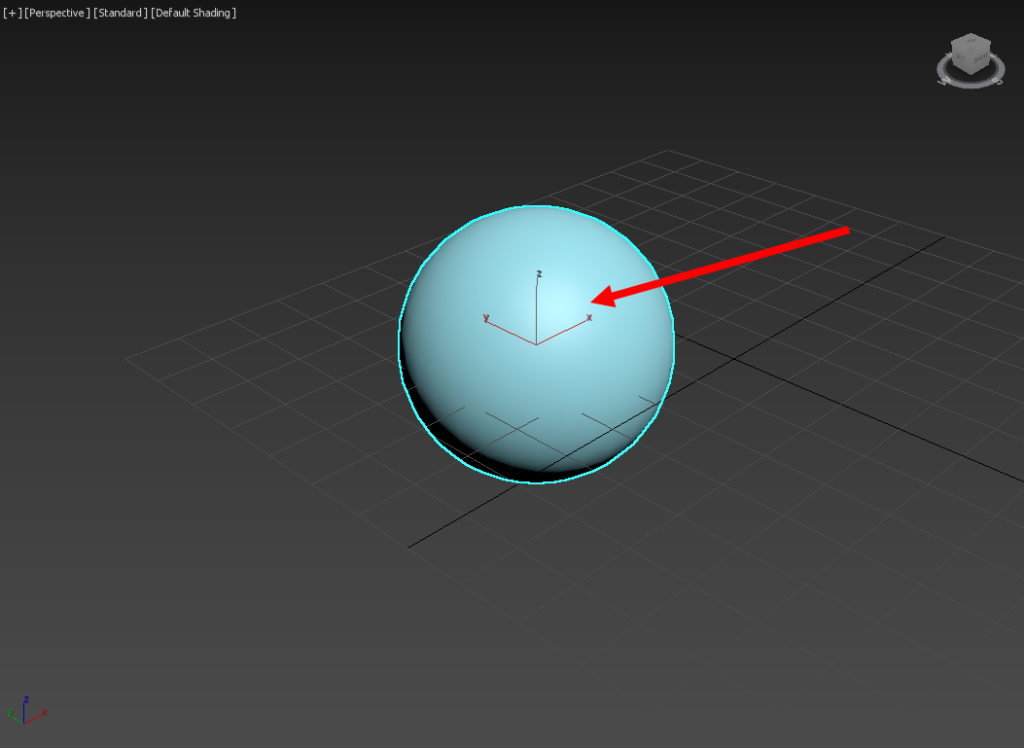
1) The gizmo for the selected object in the current viewport is not displayed properly. 2) Go to preferences in
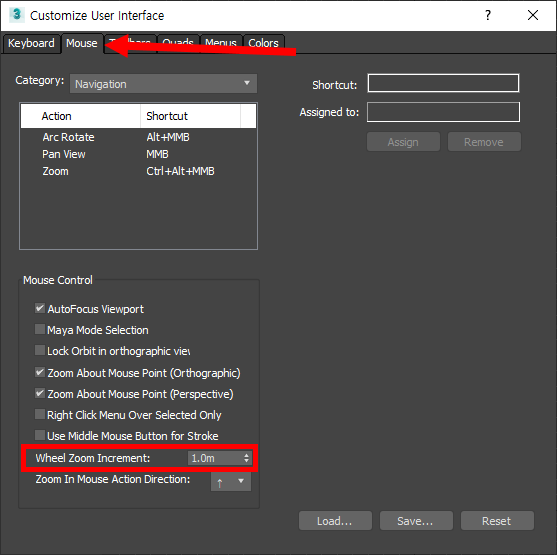
1) Go to customize user interface from the customize menu at the top. 2)In the mouse tab, you can find