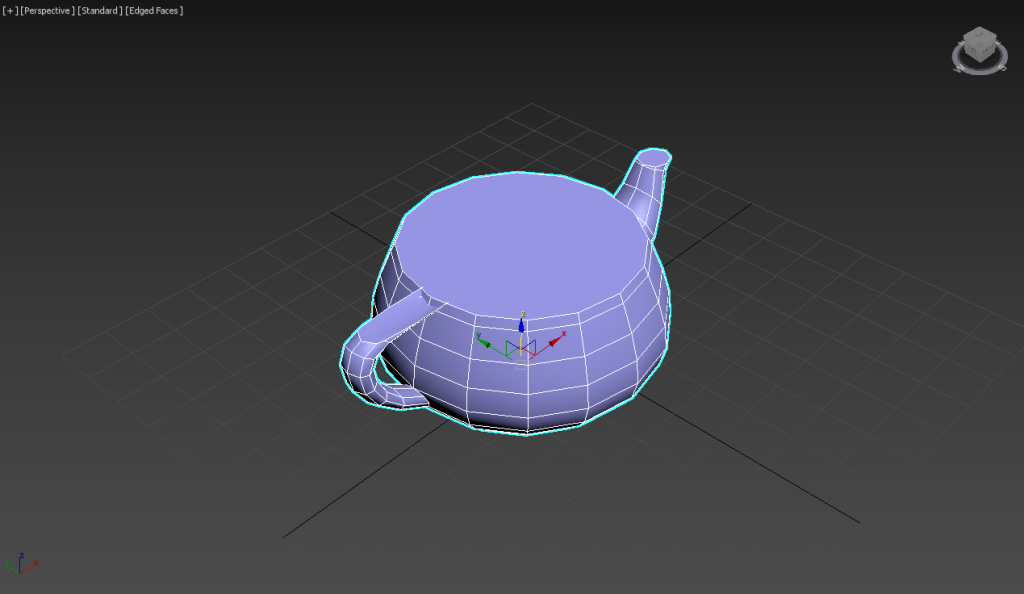
1) Create a polygon object in the scene.

2) Add a slice modifier to the object.

3) Select the slice plane under the slice modifier and select the slice type.

4)You can check the area removed from the object based on the slice plane.

5)You can see that the removed area (or cross section) changes as you move the slice plane.
6) Add a cap holes modifier to the object.

7)You can see that the boundary of the hole is surface-filled (capped) in the area removed by the slice.
7) Add a key frame at the position of the slice plane to create an animation with a section.
![[3D Max]Solving the problem of uneven Shell thickness(Straighten Corners)](https://inspired-learn-create.com/wp-content/uploads/2025/06/2025-02-26_12-24-03-1024x697.png)
![[3D Max] Shortcut tips for use in the viewport quad menu](https://inspired-learn-create.com/wp-content/uploads/2025/06/2025-01-25_15-49-33.png)
![[3D Max] How to set Mouse Wheel Zoom Sensitivity](https://inspired-learn-create.com/wp-content/uploads/2025/06/2025-01-25_15-38-06.png)