
Three ways to normalize an image in Photoshop
How to reduce color variation and gradient steps in an image or remove pixel noise(Posterize, Surface blur, Median) 1) Open […]
How to reduce color variation and gradient steps in an image or remove pixel noise(Posterize, Surface blur, Median) 1) Open […]
1)Open the image you want to add effects to in Photoshop. 2) Copy the original image layer. 3) Go to
Vignetting is an effect that reduces the brightness or saturation of an image from the center to the edges, and
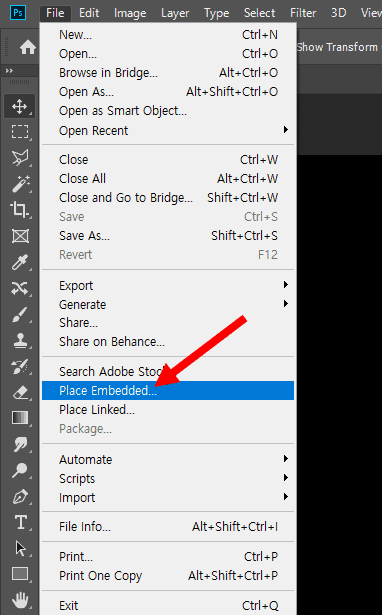
1)When you drag and drop an image into Photoshop, it sets the image as a smart object by default. This

The patch tool is a tool that allows you to select a specific area and seamlessly replace it with pixels

1) Open the .ai file in Illustrator. 2)Select the top layer in the Layers panel. 2) Click the icon shown
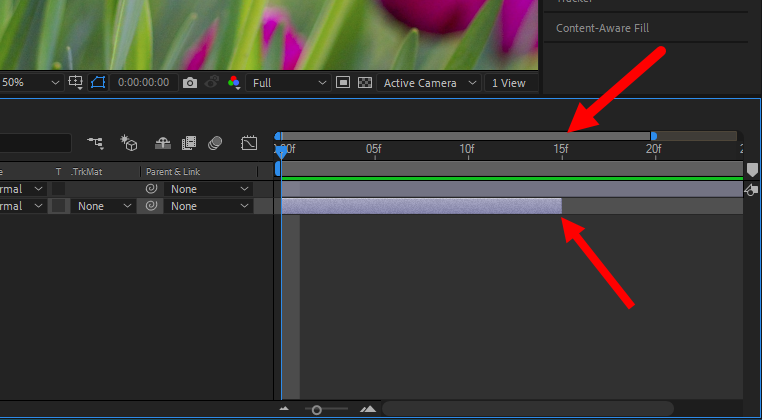
1) By default, when you add an image to a composition in After Effects, footage of the same length as
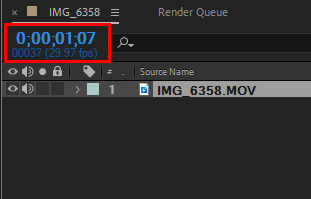
1) After Effects is set to display time as time code by default. Time code is a method of representing
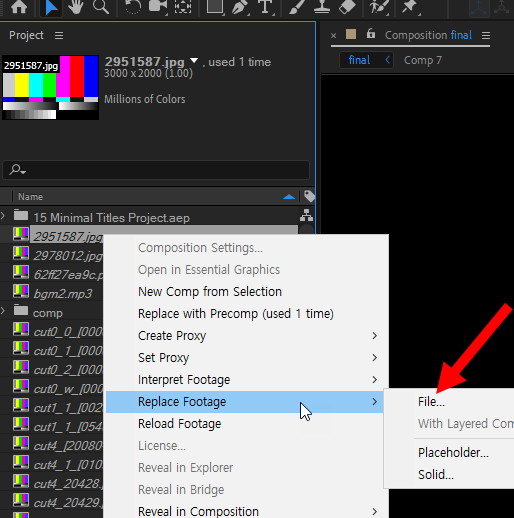
Reset the path of missing images if the file path of the source image has changed 1) In the example,
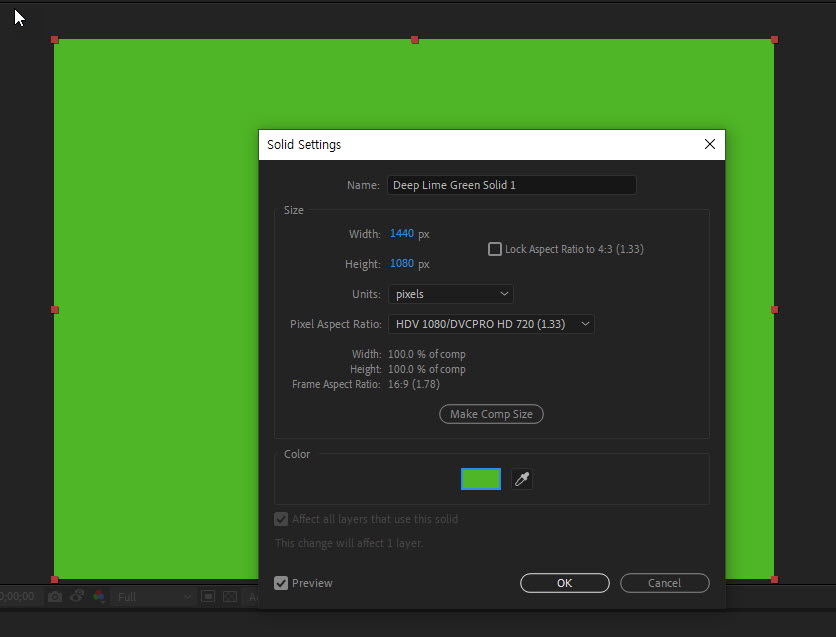
Change the color of a solid layer in After Effects1) To create a solid layer, select Solid from the Layer