If the time displayed in WordPress is different from the current time, you need to set a default time zone.
1) Check the Timezone in the settings menu of the WordPress dashboard. You can see that it is set to the default UTC+0 and that the Universal time is different from the current time.

2) Set the Timezone to the city you are currently in and save changes

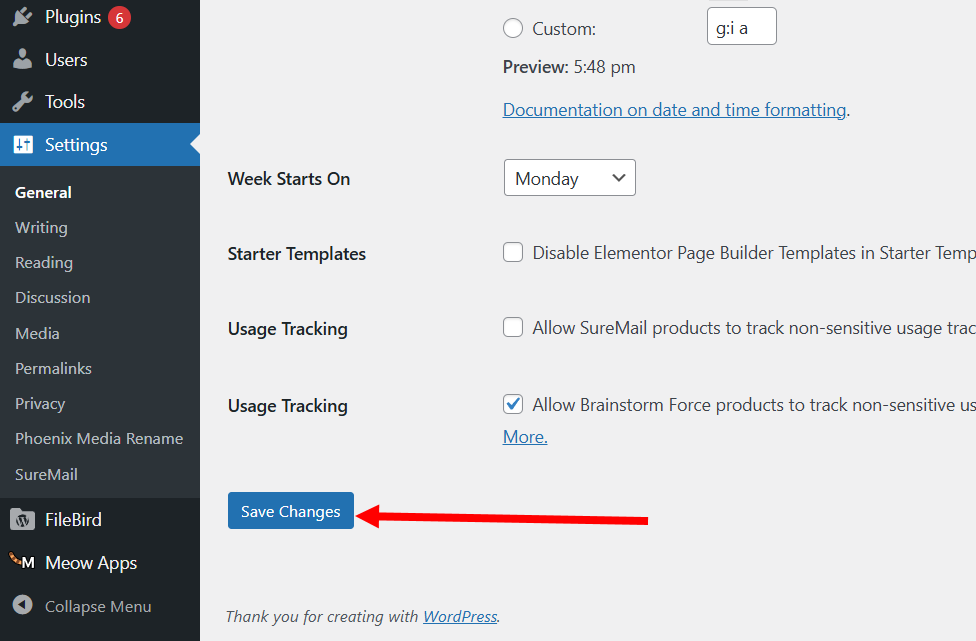
3) The Local time is displayed at the bottom of Universal time is the current time. Now WordPress displays the same time as the current time.

![[WordPress]Sign up for Fastcomet and set up WordPress](https://inspired-learn-create.com/wp-content/uploads/2025/06/2025-01-26_15-28-08-1024x588.jpg)
![[WordPress] Setting Up Domain SSL (Auto SSL) on Fastcomet Web Hosting Site](https://inspired-learn-create.com/wp-content/uploads/2025/06/2025-01-26_17-34-40-1024x611.jpg)