This tutorial will guide you through the simple steps of enabling ‘Run in Background’ in the Unity Editor.
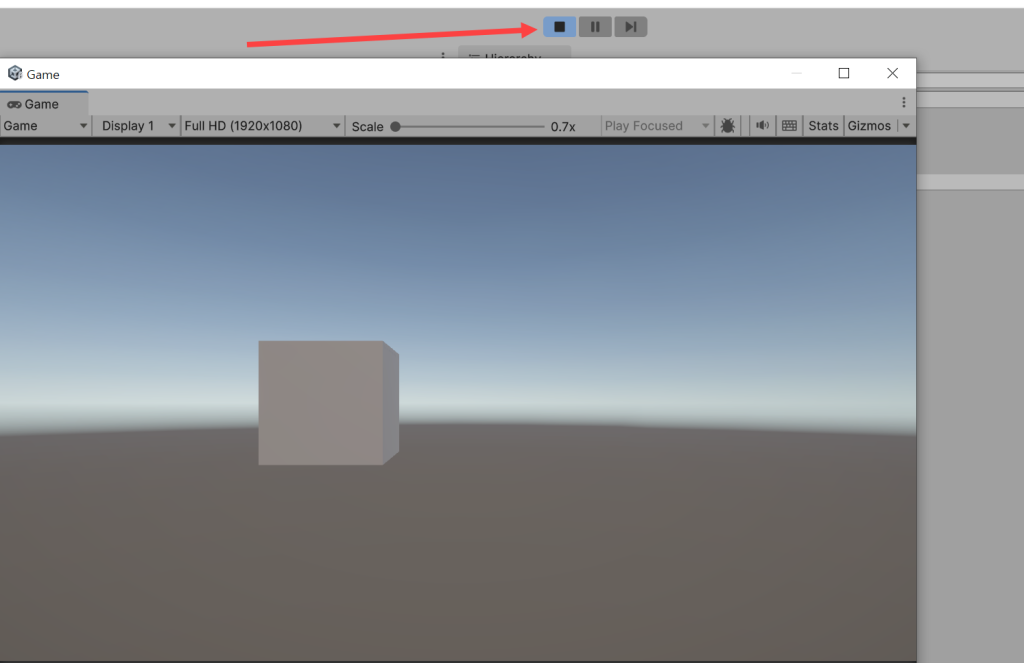
1) By default, when the application (editor and game) is in the background, the Player execution stops
2) To run the editor in the background, check Run In Background in the player in the project settings.

3) When the game is running and the editor is in the background, it will not be suspended.
![[Unity Game Dev] Adding Scoped Registries and Installing Packages in Unity](https://inspired-learn-create.com/wp-content/uploads/2025/06/2025-02-13_14-21-25-1024x810.png)
![[Unity] Volumetric Lighting Effect in URP Project (Unity-URP-Volumetric-Light Package)](https://inspired-learn-create.com/wp-content/uploads/2025/06/2025-03-20_10-43-29-1024x592.jpg)
![[Unity] Shader Graph Procedural Patterns Samples Download](https://inspired-learn-create.com/wp-content/uploads/2025/06/Patterns_Page-1024x540.png)