HDR (High Dynamic Range) can express a much wider color range (16-bit floating point color values) than SDR (Standard Dynamic Range) which expresses colors in the range [0,1] (0~255, 8-bit).
Using HDR has the advantage of not causing color loss in bright or dark areas (especially bright areas. The human eye is more sensitive to differences in brightness on the dark side than on the bright side).
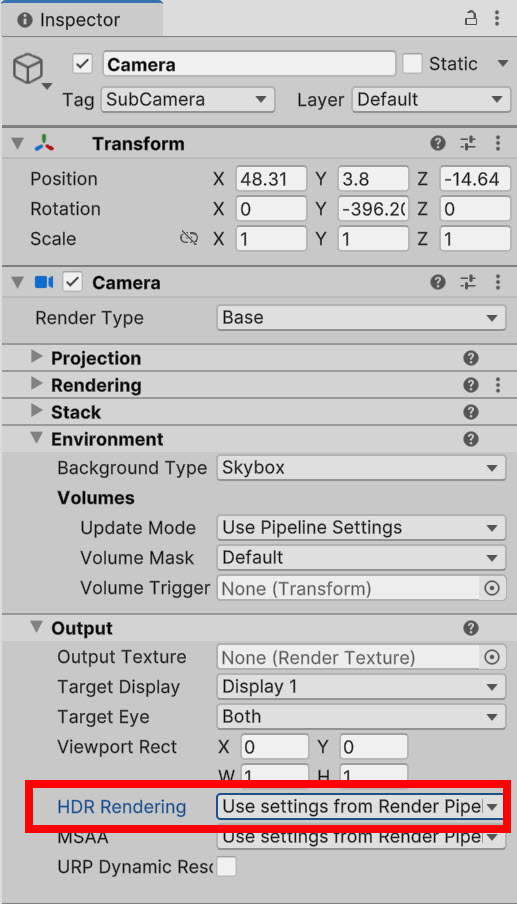
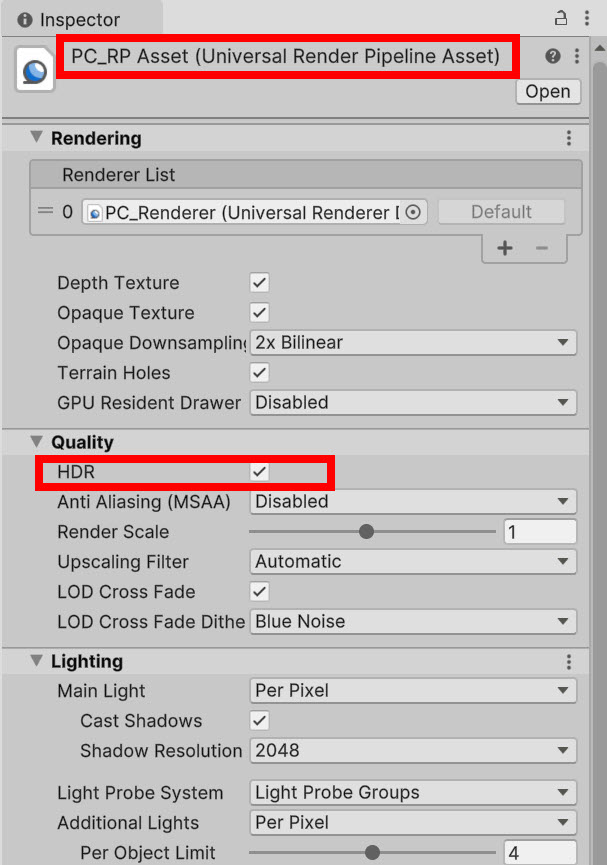
To use HDR in Unity, enable HDR on the camera or render pipeline asset(When using HDR, it is recommended to set the lighting to a higher value than the normal brightness value to use a wider brightness range.)
Tonemapping
Tonemapping refers to mapping and converting color values from HDR to LDR (the process of mapping 16-bit floating point color values to 8-bit values in the range [0,1]).
Tonemapping is generally a process necessary to properly display HDR content in an LDR (Low Dynamic Range) environment. In other words, tonemapping is applied to make HDR images or videos look correct on LDR displays with low dynamic range (the purpose is to make images with low dynamic range look like they are in a high range).
On displays that support HDR, HDR images can be output as is and tonemapping is not necessarily required.
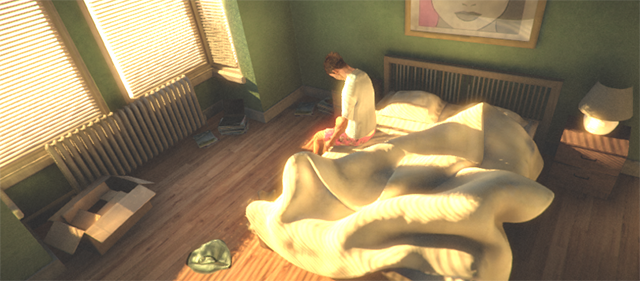
HDR enabled, tonemapping disabled, the color values of pixels in bright areas appear out of range.
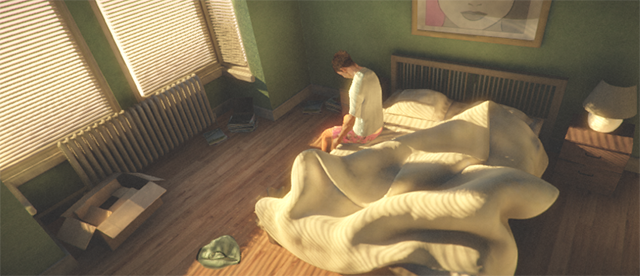
HDR enabled, tonemapping enabled, internally, there is no color loss in bright areas and the pixel values appear to be in an appropriate range because they are tonemapped.
Tone Mapping can be added and activated in the Volume Profile of Post Processing and offers several modes (None, Neutral, ACES)
Neutral – minimal effect on hue and saturation
ACES (academy color encoding system) – higher contrast than Neutral and has a big effect on hue and saturation, filmic (film like) apperance)

https://docs.unity3d.com/kr/560/Manual/HDR.html
https://docs.unity3d.com/kr/530/Manual/script-Tonemapping.html
https://learn.unity.com/tutorial/post-processing-effects-tone-mapping-2019-3#

![[Unity Game Dev] Adding Scoped Registries and Installing Packages in Unity](https://inspired-learn-create.com/wp-content/uploads/2025/06/2025-02-13_14-21-25-1024x810.png)
![[Unity] Volumetric Lighting Effect in URP Project (Unity-URP-Volumetric-Light Package)](https://inspired-learn-create.com/wp-content/uploads/2025/06/2025-03-20_10-43-29-1024x592.jpg)