To log in as a user and manage your website in the WordPress app, you need to create a WordPress user account, set a password, and connect your WordPress site.
How to Create a WordPress user account
Create a WordPress (WordPress.com) user account
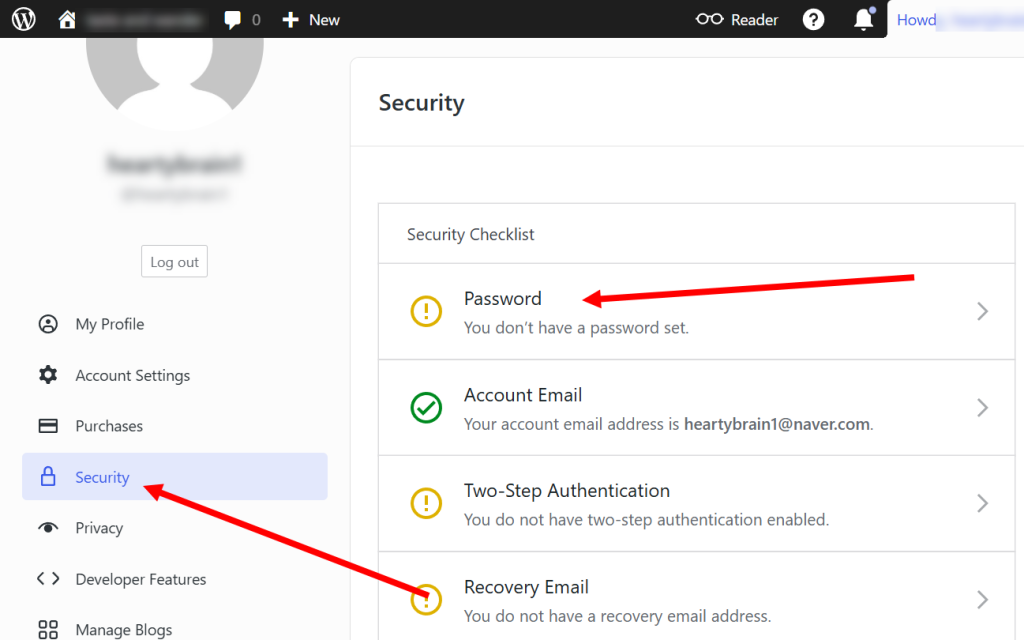
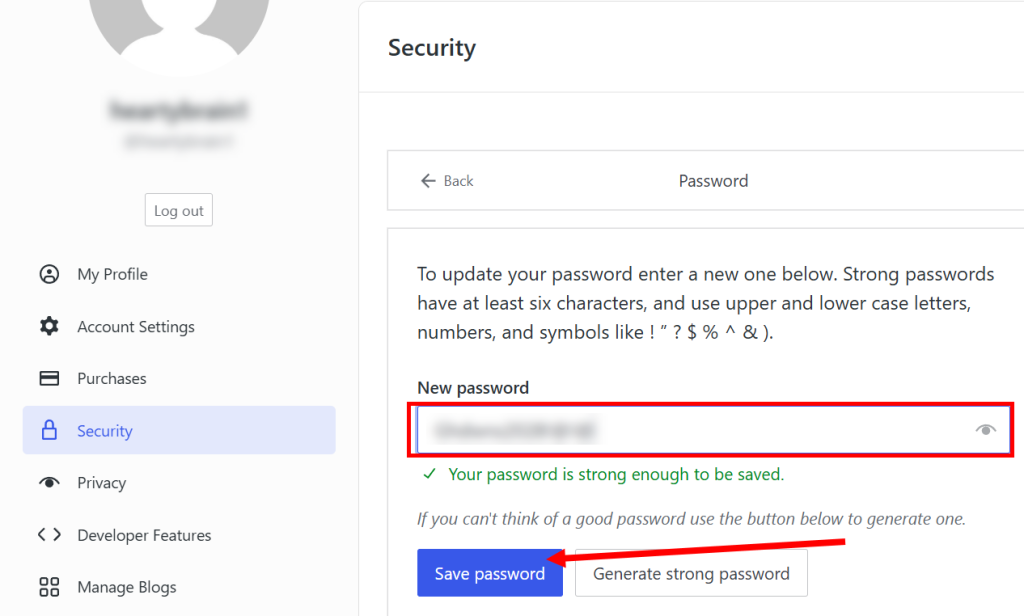
Setting a WordPress user account password
Set a password on the WordPress (WordPress.com) security page.
https://wordpress.com/me/security
Connecting your WordPress account to your site
Installing the Jetpack plugin in WordPress and connecting your site
Logging in to the WordPress mobile app
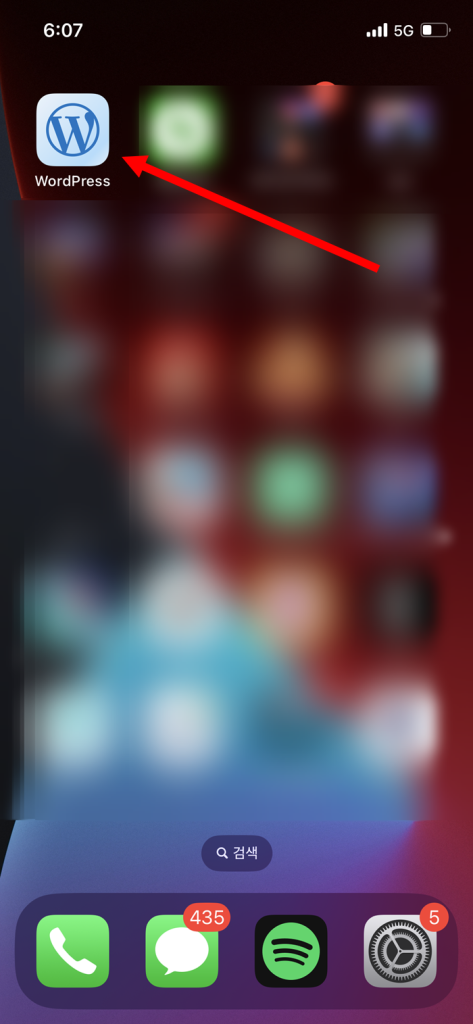
Download, install, and launch the WordPress mobile app.
Select Continue to WordPress.com.

Enter your user account and email address.
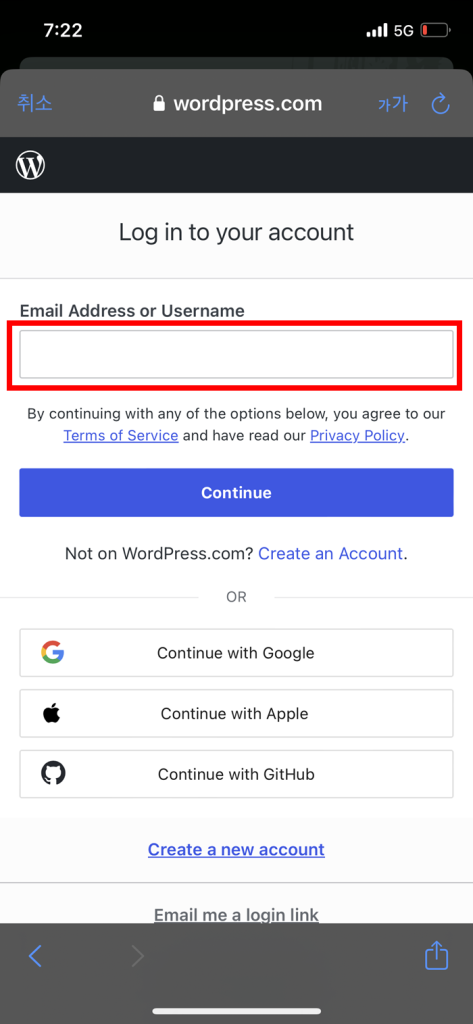
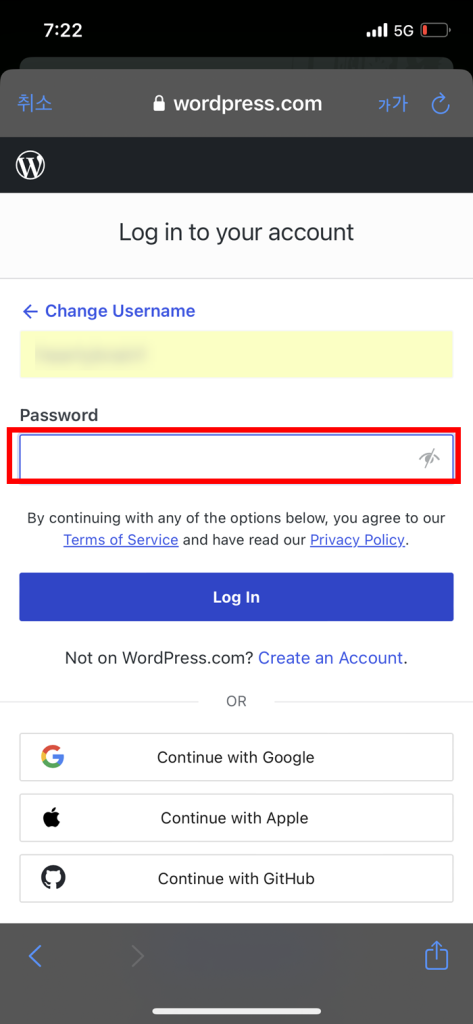
If you have set a password for your user account, you can enter it. Enter your password and log in.
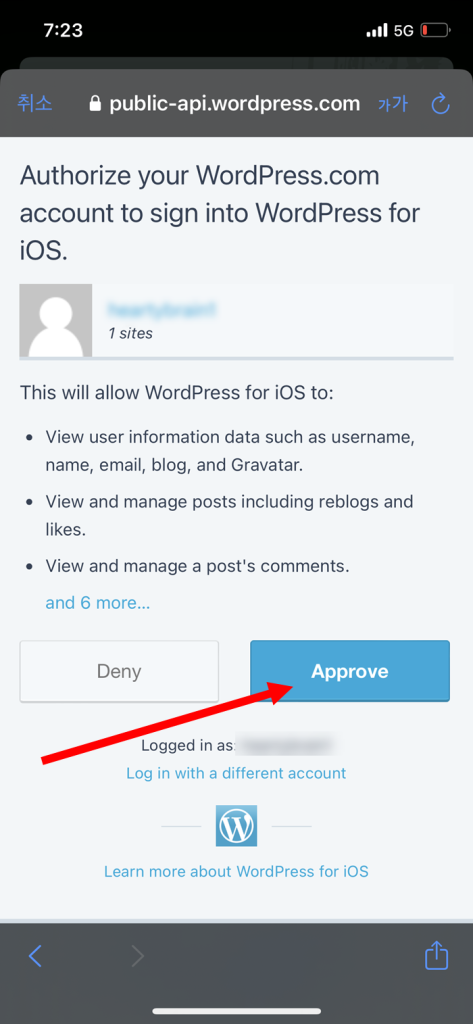
Approve the WordPress account login from your mobile device
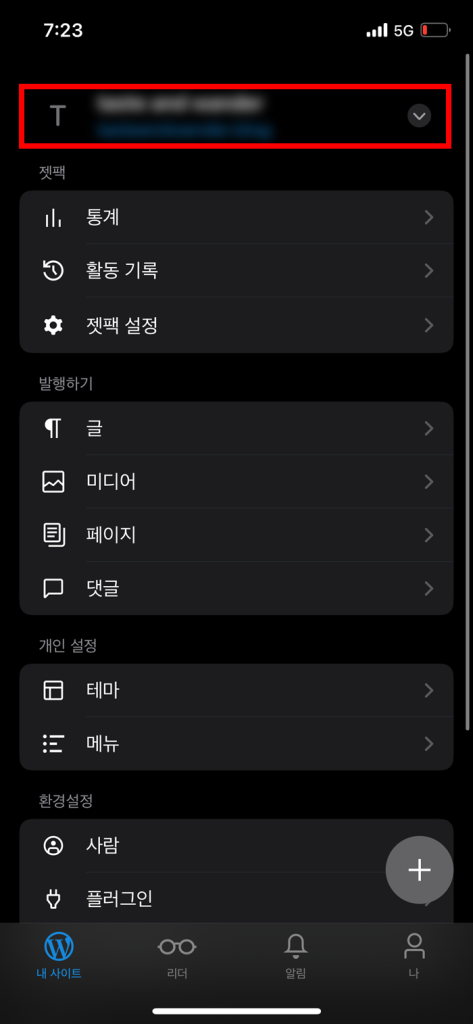
You can confirm that you have successfully logged in to the WordPress mobile app.
At the top of the main page, you can see a list of sites associated with the account, and you can select and manage the sites.
![[WordPress]Sign up for Fastcomet and set up WordPress](https://inspired-learn-create.com/wp-content/uploads/2025/06/2025-01-26_15-28-08-1024x588.jpg)
![[WordPress] Setting Up Domain SSL (Auto SSL) on Fastcomet Web Hosting Site](https://inspired-learn-create.com/wp-content/uploads/2025/06/2025-01-26_17-34-40-1024x611.jpg)